The two permissions
- Screen & System Audio Recording: sends the Mac's picture and sound to the device controlling it.
- Accessibility: carries out clicks, drags and typing on the Mac.
The first time you open RemoScreen Host, follow the prompts to turn both on in System Settings → Privacy & Security.
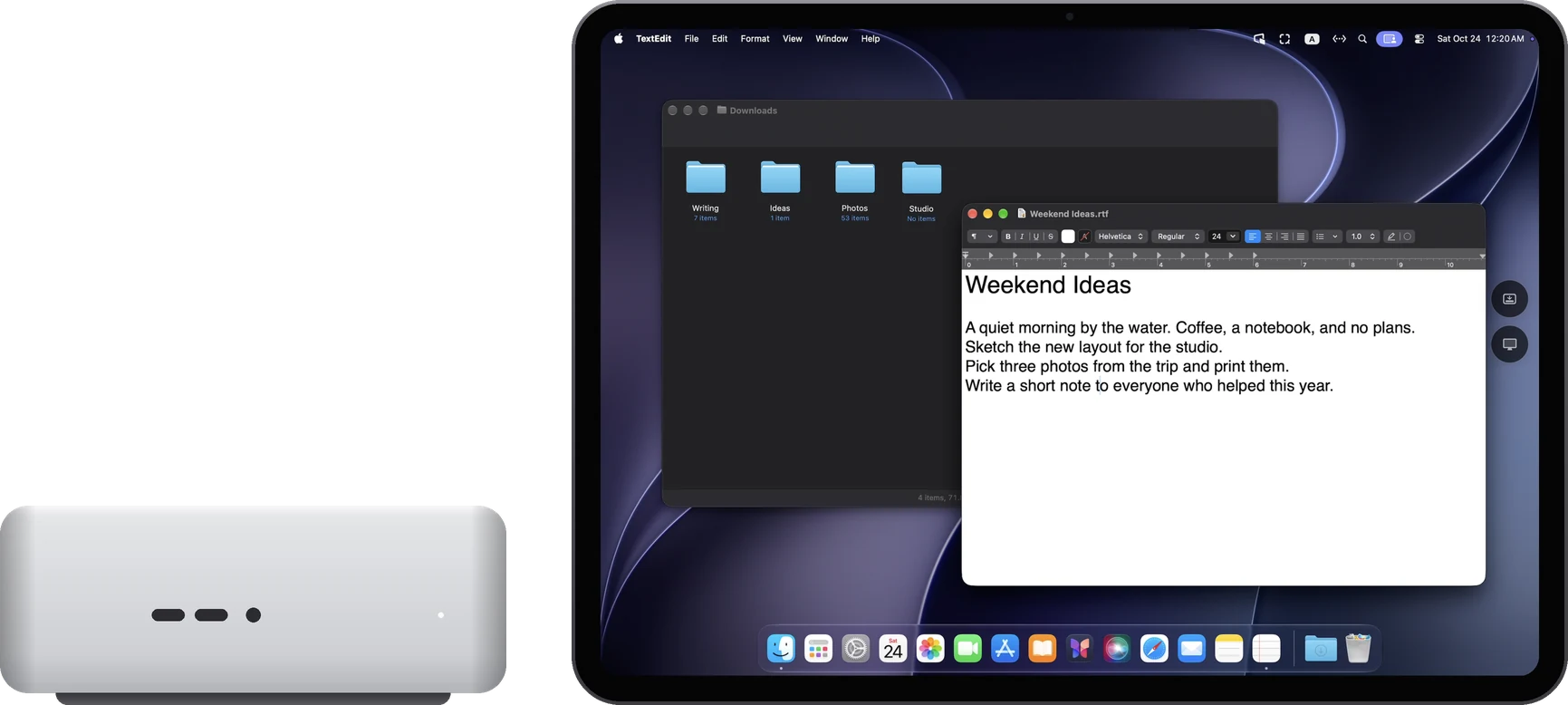
A Mac with no display
You need to see the Mac's screen the first time you allow the permissions. Connect a display temporarily, or reach the Mac from another Mac with Apple's Screen Sharing. After that, RemoScreen Host creates a display for it automatically, and you can unplug the monitor.
While Screen Sharing is still open on the other Mac, you can't switch to “Main display”. Close Screen Sharing first.
After the Mac restarts
RemoScreen Host runs once you've logged in to the Mac. If the Mac is waiting at the login window after a restart, it can't connect yet; log in once first.