RemoScreen
English
Control the Mac with your fingers
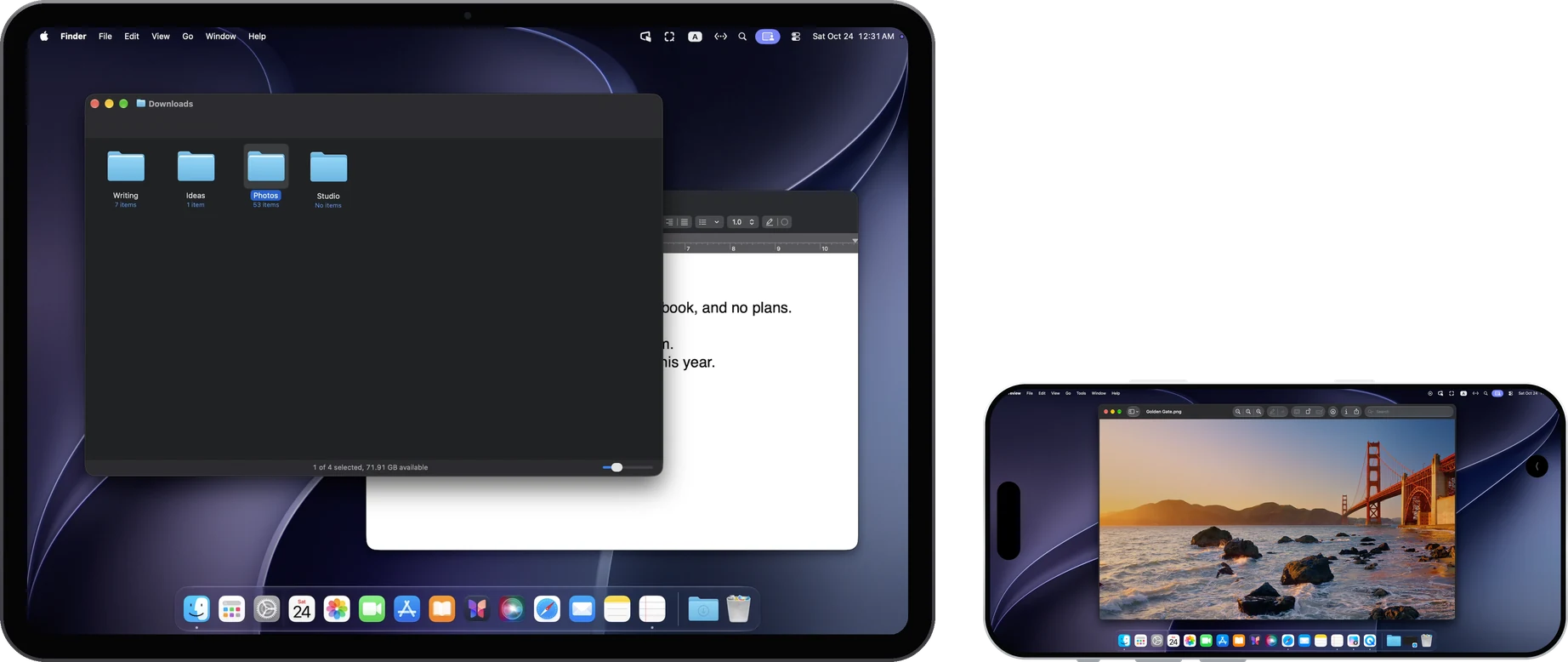
Tap to click, tap twice to double-click, touch and hold to drag, swipe with one finger to scroll, and tap with two fingers to right-click. Connect a keyboard, trackpad or mouse and shortcuts such as ⌘C and ⌘V work as usual.
Type with your own keyboard
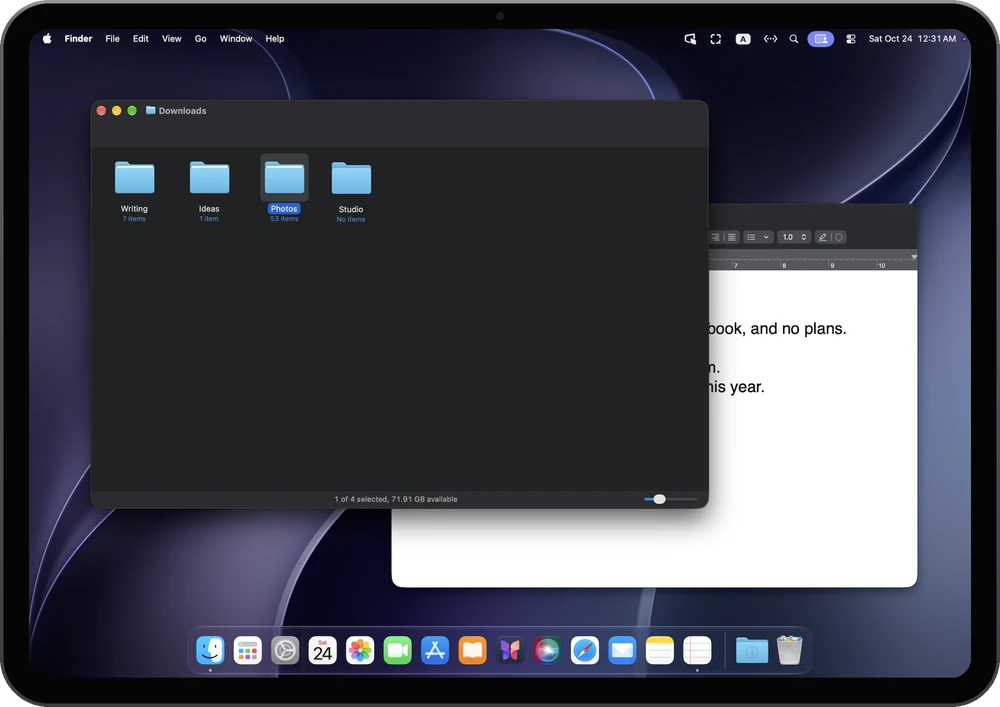
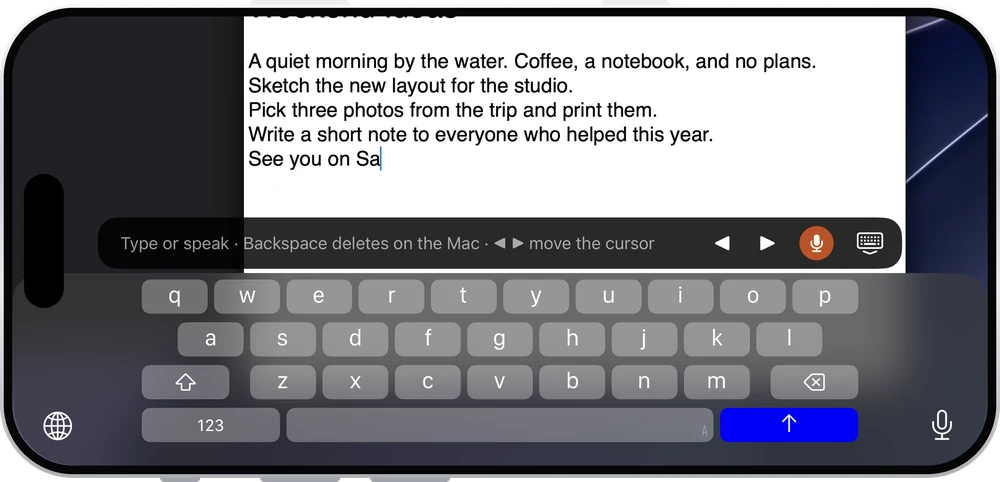
The iPad or iPhone keyboard appears only when you tap a text field on the Mac. Type in your language or use dictation, and the words go straight to the Mac.
Sound, clipboard and files
Hear the Mac
Turn on “Stream computer audio” in the menu and the Mac's sound plays on the iPad or iPhone, with its own volume control.
Copy and paste
Text copied on the Mac pastes on the iPad or iPhone, and the other way round.
Send files to the Mac
Send photos, videos and files to the Mac, up to 100 MB each. They're saved in “Downloads/RemoScreen Uploads” on the Mac.
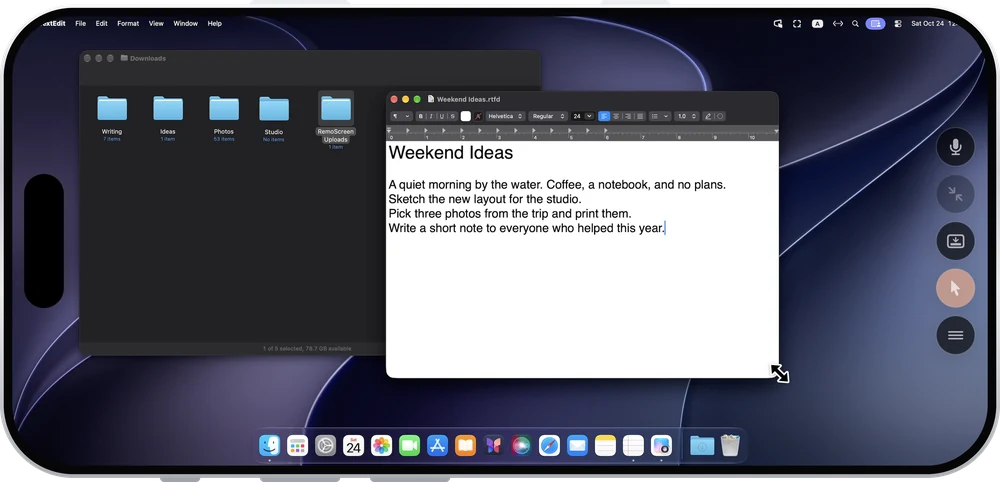
Turn your iPhone sideways and it's the Mac's screen
Tap to click, swipe with one finger to scroll, touch and hold to drag, and use two fingers to zoom and move around. When you need precision, turn on “Show pointer”: the iPhone screen becomes a trackpad, and dragging with three fingers moves and resizes windows.
The connection is chosen for you
RemoScreen doesn't offer a public relay, and the picture never passes through our servers.
Same network
Connects directly over the local network, instantly.
Different networks
Automatically tries IPv6, UDP hole punching and router port mapping. Whether it connects depends on both networks.
No direct connection
Connects through a relay you deploy yourself. The relay only forwards encrypted data.
Only devices you allow can connect
The first time each device connects, you enter the 8-digit one-time pairing code shown on the Mac, and then the Mac clicks “Allow”. Picture, sound, keystrokes and clipboard are encrypted all the way. To stop a device from connecting, choose “Delete and revoke access” on the Mac.
Questions
Does it work when I'm not on the same network?
On the same network, it connects instantly. On different networks, it tries a direct connection automatically, and whether that works depends on both networks. Try it during the 7-day trial first. If a direct connection isn't possible, you can deploy your own relay.
Do I pay again to use it on iPhone?
No. One purchase covers iPad and iPhone on the same Apple Account.
Does the iPad need the same Apple Account as the Mac?
No, and there's no sign-up either. Each device is confirmed with the 8-digit pairing code and “Allow” on the Mac.