Hear the Mac
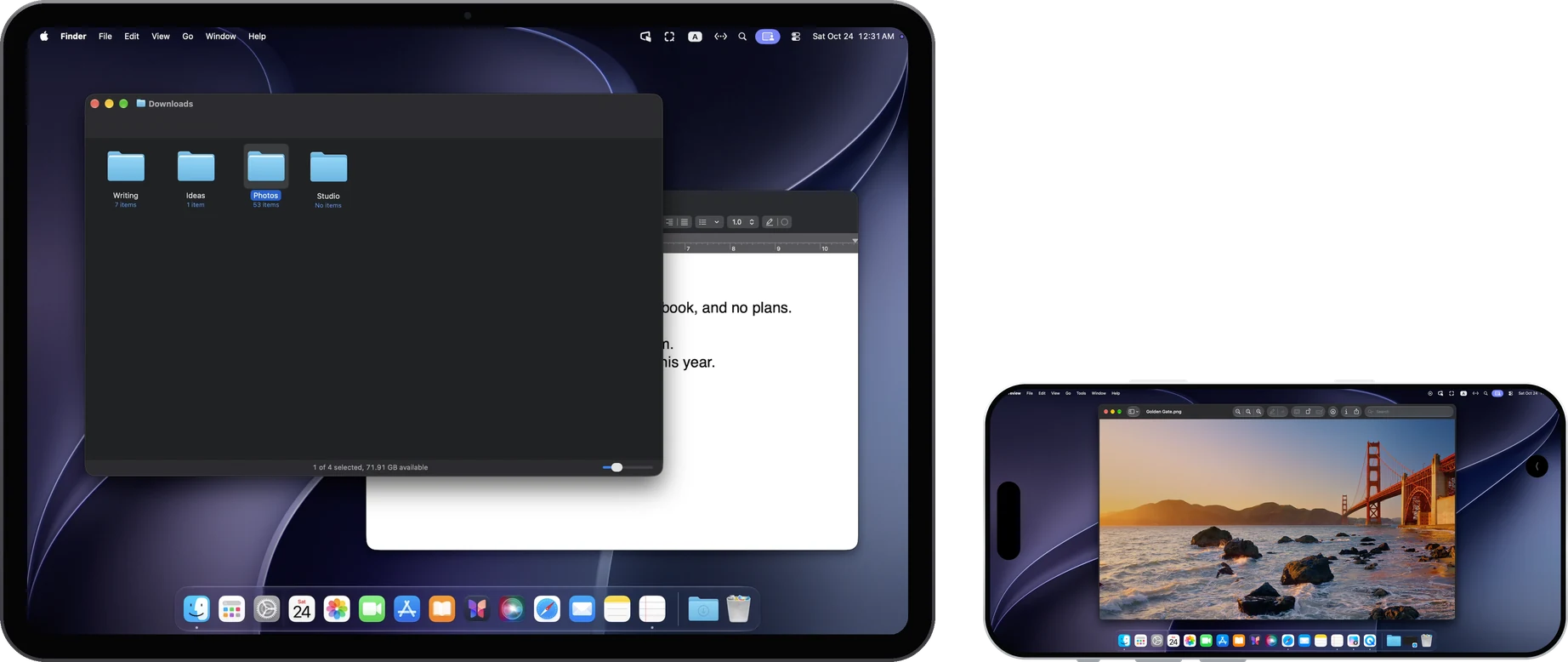
Turn on “Stream computer audio” in the menu once connected, and the Mac's sound plays on the iPad or iPhone. “Computer audio volume” sets its own level.
Copy and paste
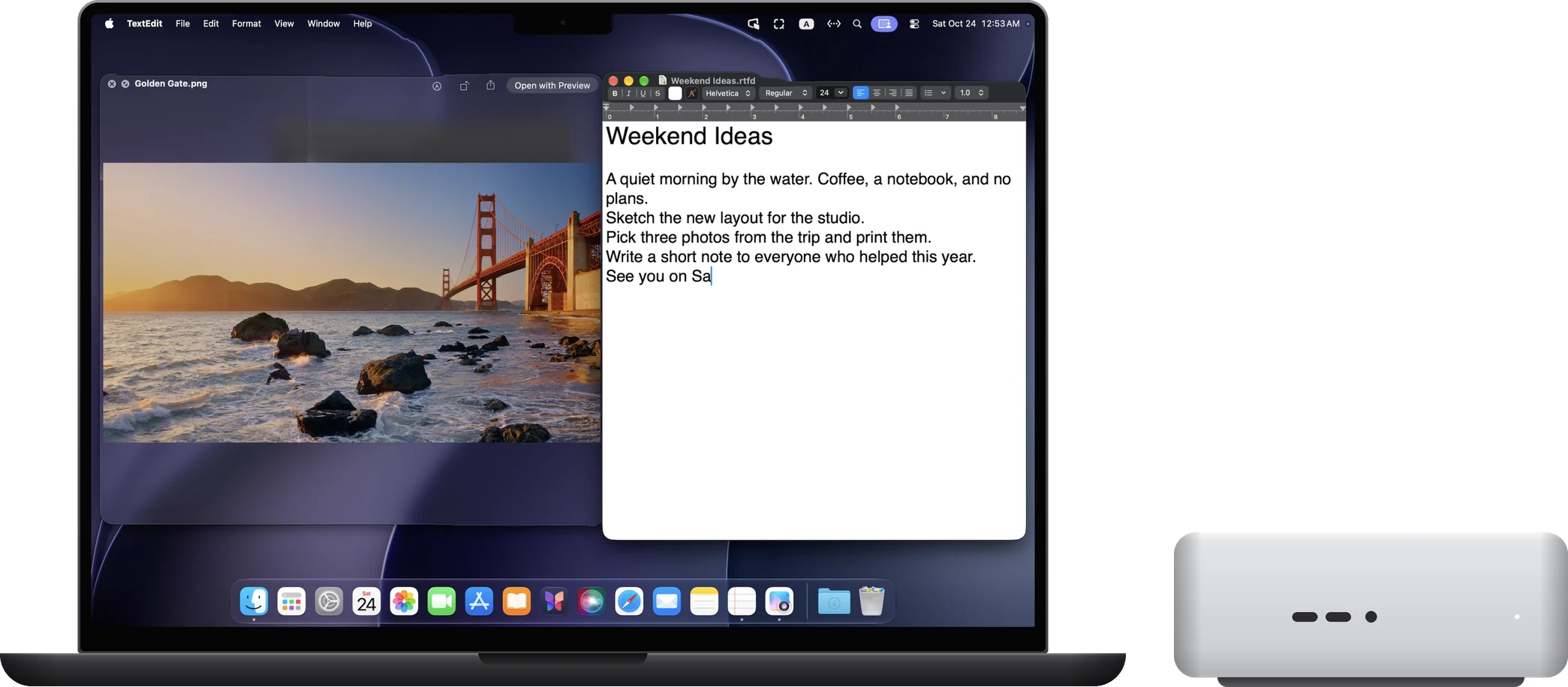
Text copied on the Mac pastes on the iPad or iPhone, and the other way round. Up to 60 KiB of text at a time; anything larger isn't sent.
Send files to the Mac
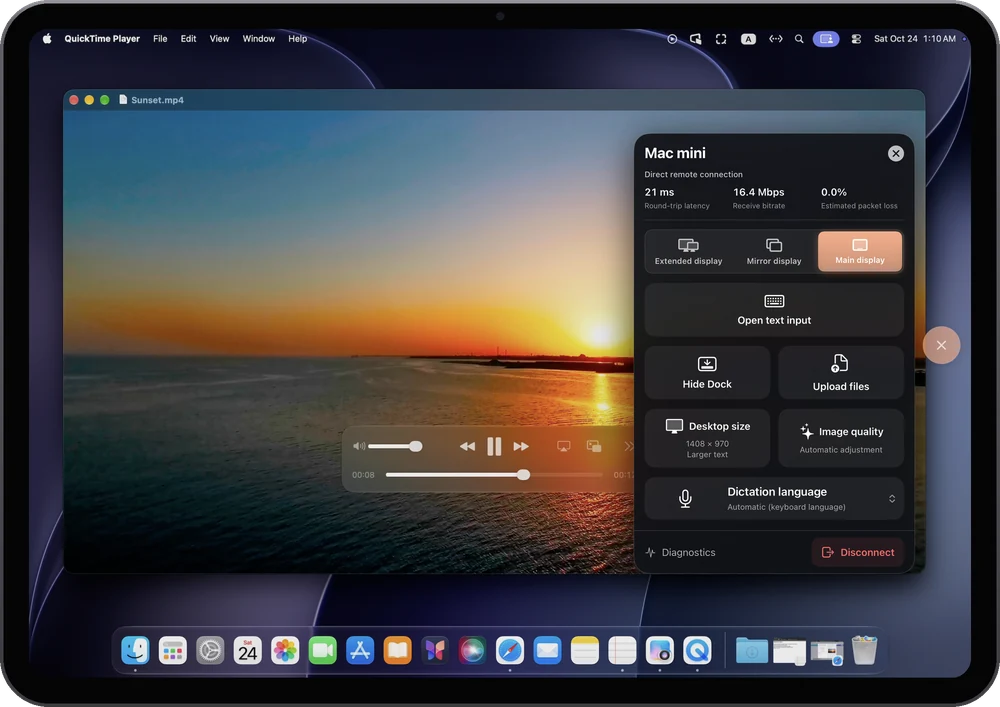
Choose “Upload files” in the menu to send photos, videos and files from the iPad or iPhone to the Mac. Each file can be up to 100 MB, one at a time, and folders can't be sent. Files are saved in “Downloads/RemoScreen Uploads” on the Mac.
When another Mac is in control
- Drag files between the two Macs in either direction.
- Copy and paste text, images and files.
- No sound for now.