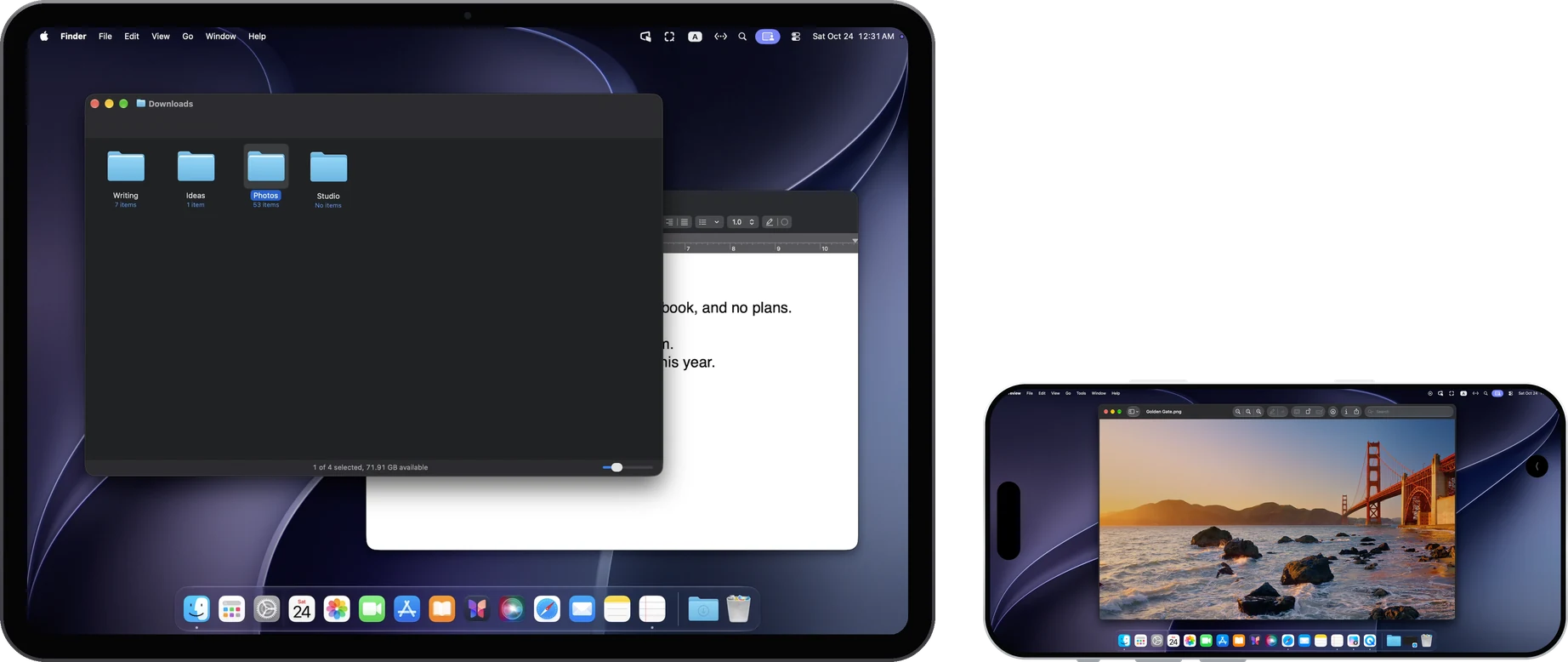
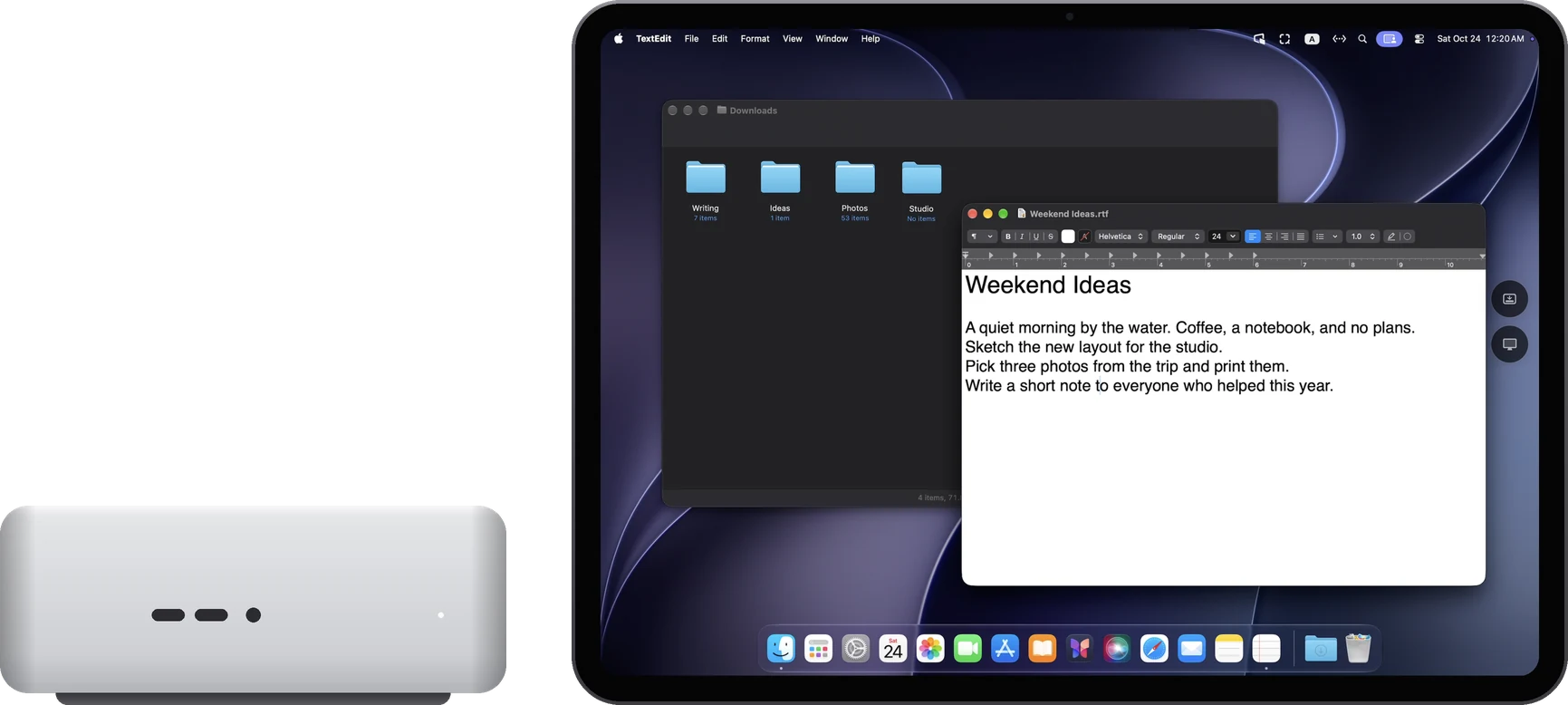
Same network: direct over the local network
When the Mac and iPad are on the same network, they connect directly and instantly.
Different networks: a direct connection is tried
RemoScreen automatically tries IPv6, UDP hole punching and router port mapping (UPnP, NAT-PMP, PCP). Whether it connects depends on both networks, for example whether IPv6 is available and whether the router allows port mapping. Try it on the networks you'll use during the 7-day trial.
No direct connection: through your own relay
Deploy a relay on your own Linux server, for your devices only. When both sides can reach your server, they connect through the relay. It only forwards encrypted data and cannot read the picture, keystrokes or clipboard.
- The relay only accepts devices with an access key, and you can revoke keys on the server.
- A key isn't enough: the relay forwards only for devices the Mac has already allowed.
- Access keys live in each device's keychain and are not synced. You can add several relays, say one at home and one at work.
- The relay adapts to what actually gets through. 8–16 Mbps of server bandwidth gives a comfortable picture.
Adding a relay
Get a Linux server, a domain and a valid HTTPS certificate, and set up the relay with the deployment guide. Then, on the Mac, iPad and iPhone, open “Connection services → Add server” and enter the server address and access key.